How to use the AP Lang spreadsheet
This guide covers how to use the AP Lang spreadsheet as a Lecturer or Recitation teacher.
If you are a Lecturer
TAB: Syllabus
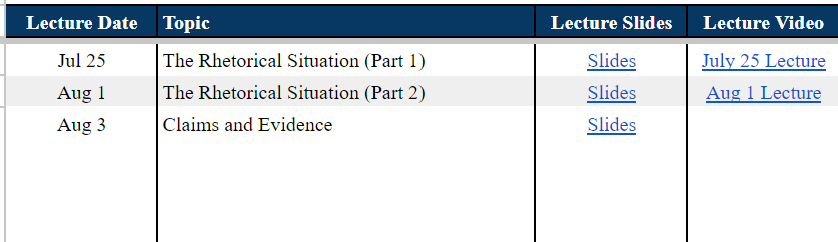
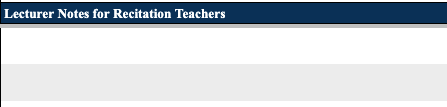
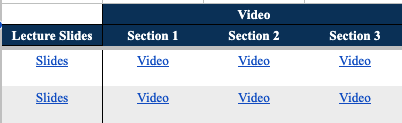
You will see each class's date, topic, linked slides, and a notes field for recitation teachers. For every class, link a video of each section and add notes in the Lecturer Notes for Recitation Teachers field.
TAB: Lecture Participation
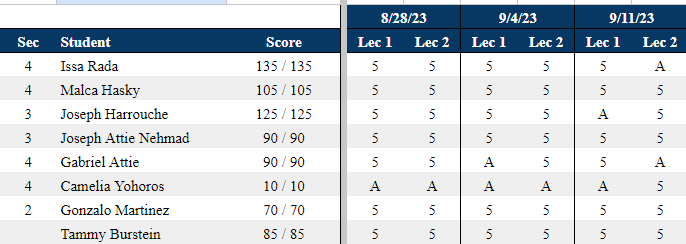
After every class, evaluate each student on a scale of 1–5. Mark A for absent.

TAB: Homework
Access all assignment documents and detailed answer keys.
TAB: Responses
Access student assignment submission responses as needed for in-class review.

TAB: [Student Name] tab
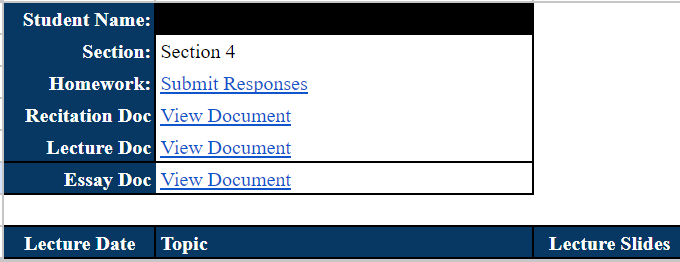
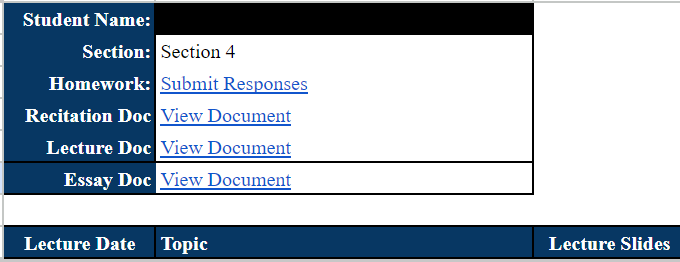
Each student's Homework, Recitation Doc, Lecture Doc, and Essay Doc are linked here.

If you are a Recitation teacher
TAB: [Student Name] tab
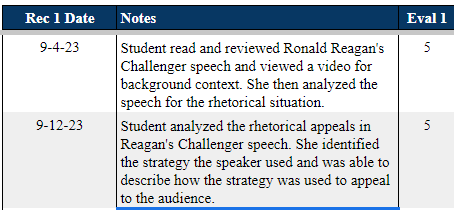
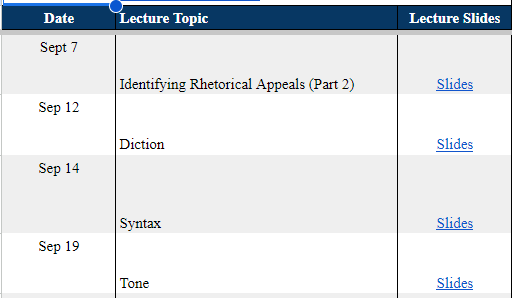
Lecture Material: See what the student covered in lecture — dates, topics, slides, videos. Recitation: Use the Recitation and Essay docs linked in each student's tab. After every class, mark what was covered and evaluate on a scale of 0–5. Mark 0 for absent (write 'Absent' in Notes if needed).