How to use the AP Computer Science Principles (CSP) spreadsheet
This guide covers how to use the AP Computer Science Principles (CSP) spreadsheet as a Lecturer or Recitation teacher.
If you are a Lecturer
TAB: Syllabus
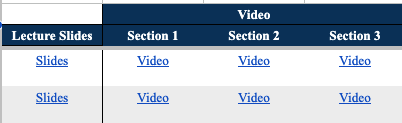
For every class, list the date, topic, and notes for recitation teachers. Link the slides and video of each section.

TAB: Lecture Participation
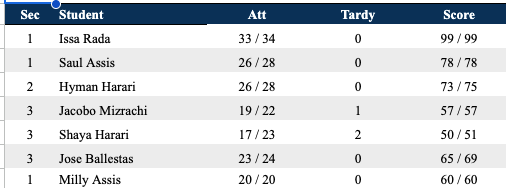
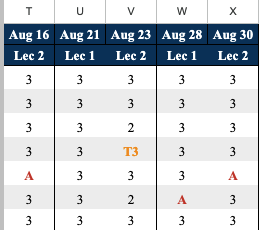
After every class, evaluate each student on a scale of 1–3. Mark A for absent or T(# min) for tardy.
TAB: Assignments
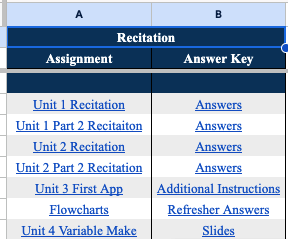
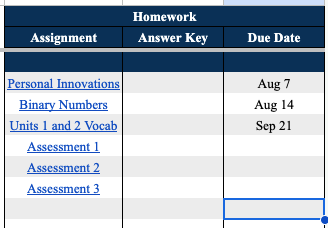
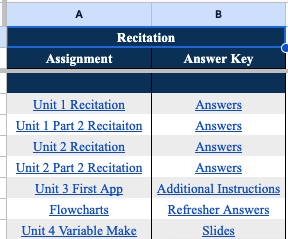
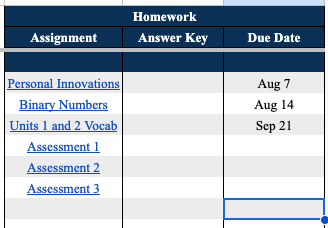
Recitations: List and link recitation resources. Homework: List and link all assignments; enter MC answers by expanding column H.
If you are a Recitation teacher
TAB: [Student Name] tab
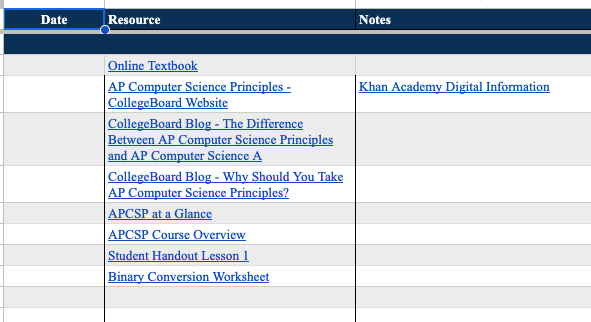
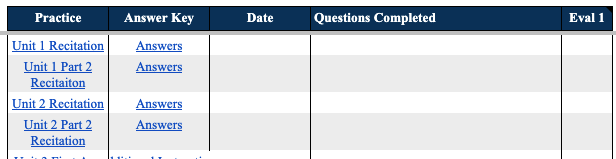
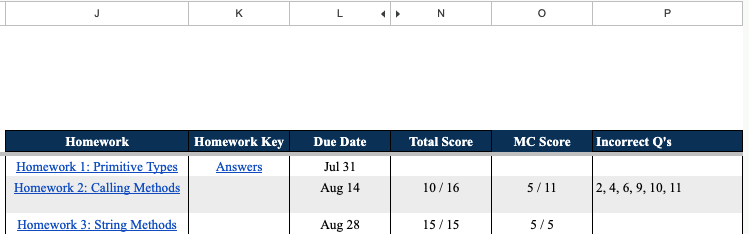
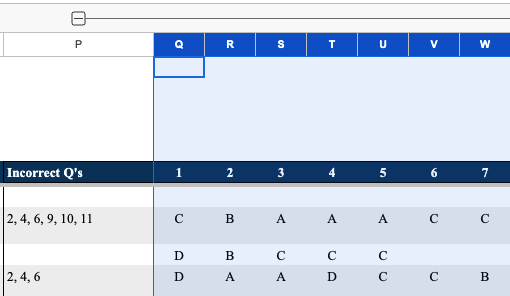
Lecture Material: See what the student covered in lecture. Recitation: Work on recitation problems — mark date, questions completed, and evaluation 1–3 (3 highest). Homework: Review assignments and incorrect problems. Expand column P to see how they answered.

TAB: Recitation Notes
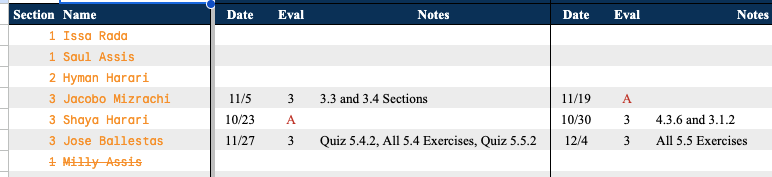
After every class, mark what was covered and evaluate the student on a scale of 1–3.
TAB: Assignments
All recitation material, homework, and answer keys are listed here. Student responses are found in their individual tabs. Expand column E to see all solutions.