
How to use the AP Calc spreadsheet
This guide covers how to use the AP Calc spreadsheet as a Lecturer or Recitation teacher.
If you are a Lecturer
TAB: Syllabus
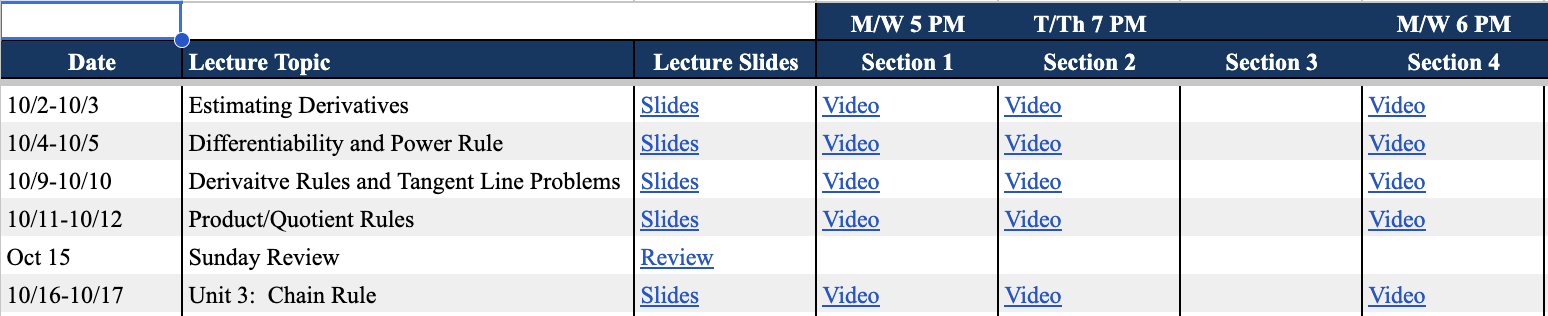
For every class, type the date and topic, and link the slides and video of each section.
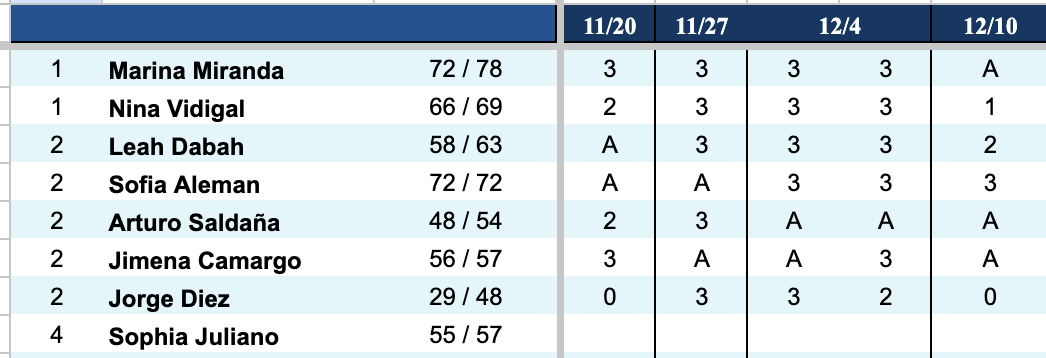
TAB: Lecture Participation
After every class, type an evaluation score for each student: 0 (no participation), 1, 2, 3 (highest), or A (absent).
TAB: Assignments
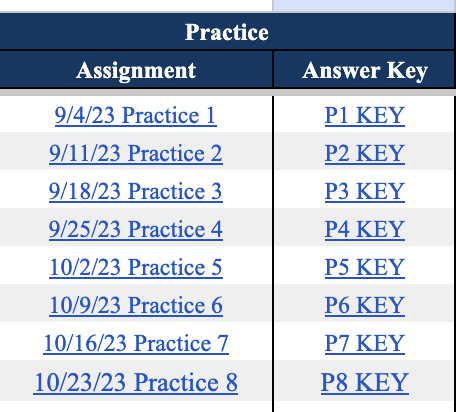
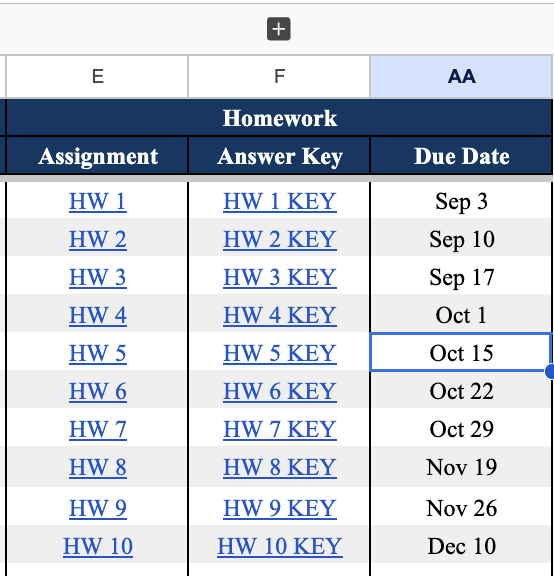
Practice for Recitation: Type and link resources (assignment + answer key) for recitation teachers. Homework: Type and link all assignments. Enter MC answers by expanding column F (click '+').
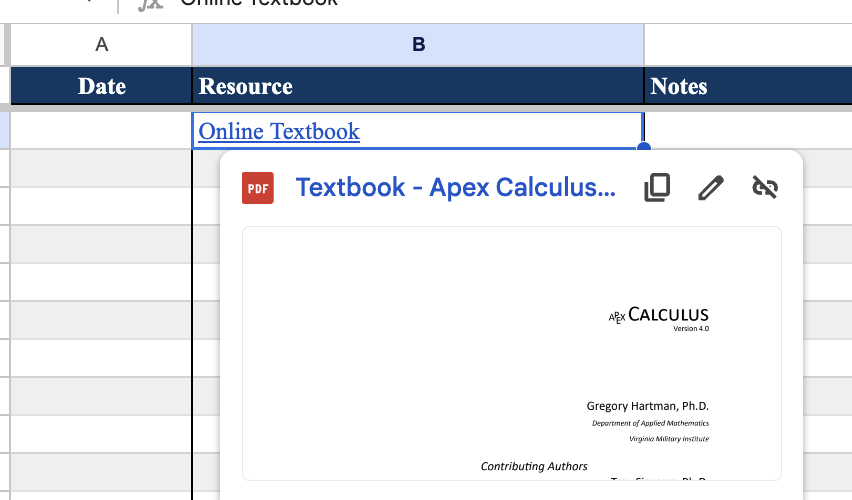
TAB: Resources
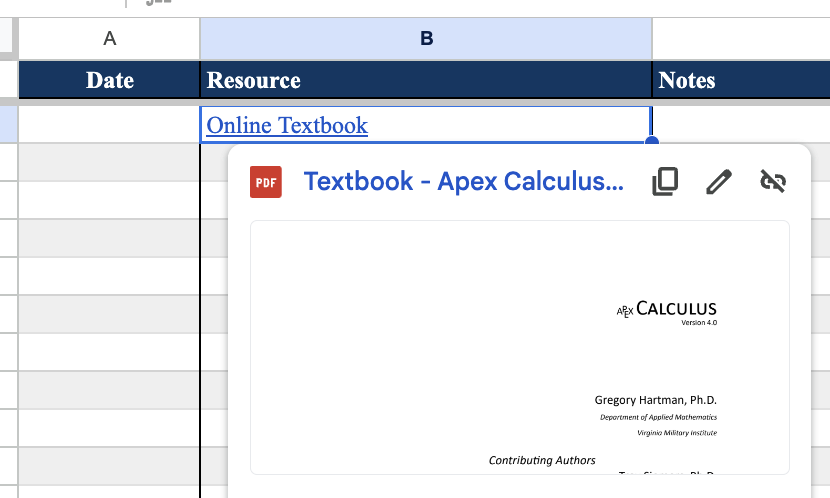
Scroll all the way to the right. Link resources visible to students and teachers — be mindful, as these populate for students too.
If you are a Recitation teacher
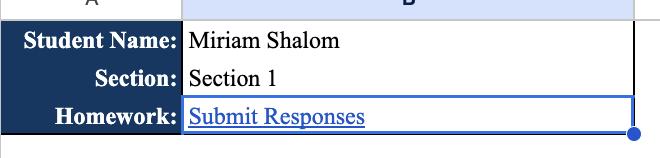
TAB: [Student Name] tab
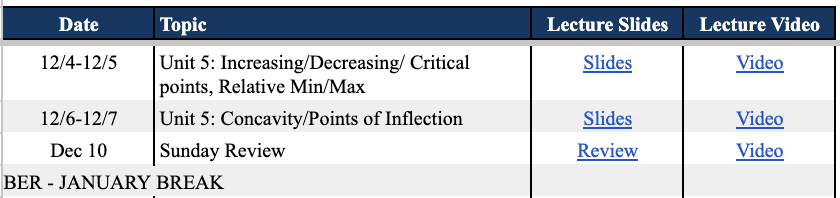
Topic / Slides / Videos: See what the student covered in lecture and the dates. Use to pace recitation with lecture content.
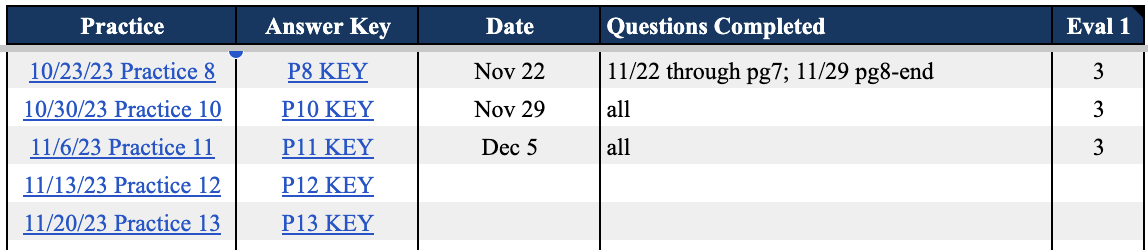
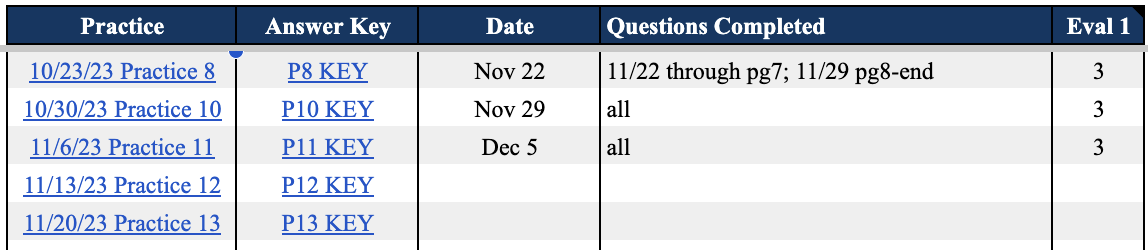
Practice: Work through practice sets. Type the date, questions completed, and evaluation score 1–3 (3 highest) for each session.
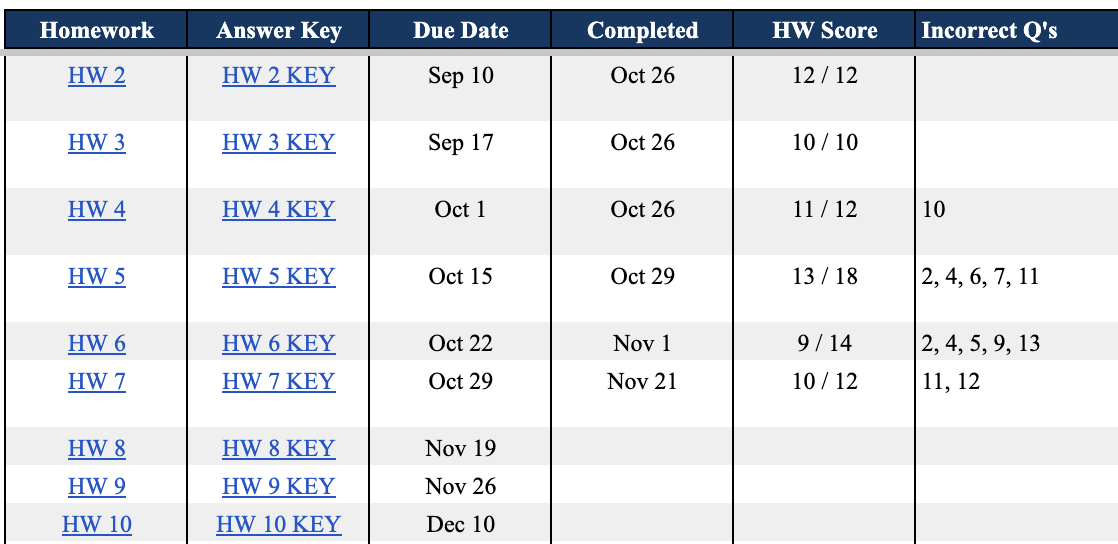
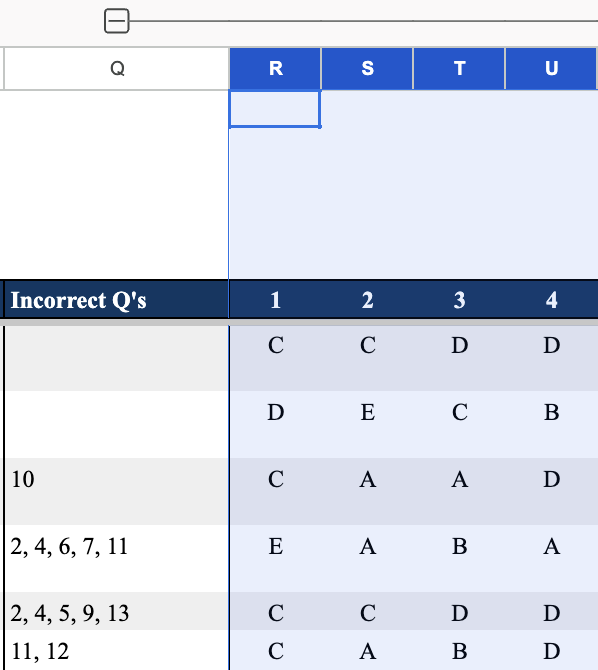
Homework: Check what homework was assigned. Review Incorrect Q's — click '+' above that column to expand and see the student's specific answers.

TAB: Resources
Link resources visible to students. Be mindful of what you add here.
Accuracy in recitation notes (date, questions completed, evaluation) is critical — all other educators working with the student use this data.