
Teaching tools: Jotboard
Zinkerz uses Jotboard as the recommended whiteboard tool for the Backup Call (Google Meet). It replaces Jamboard, discontinued in September 2024, and has all the same core features.
1. Create your account
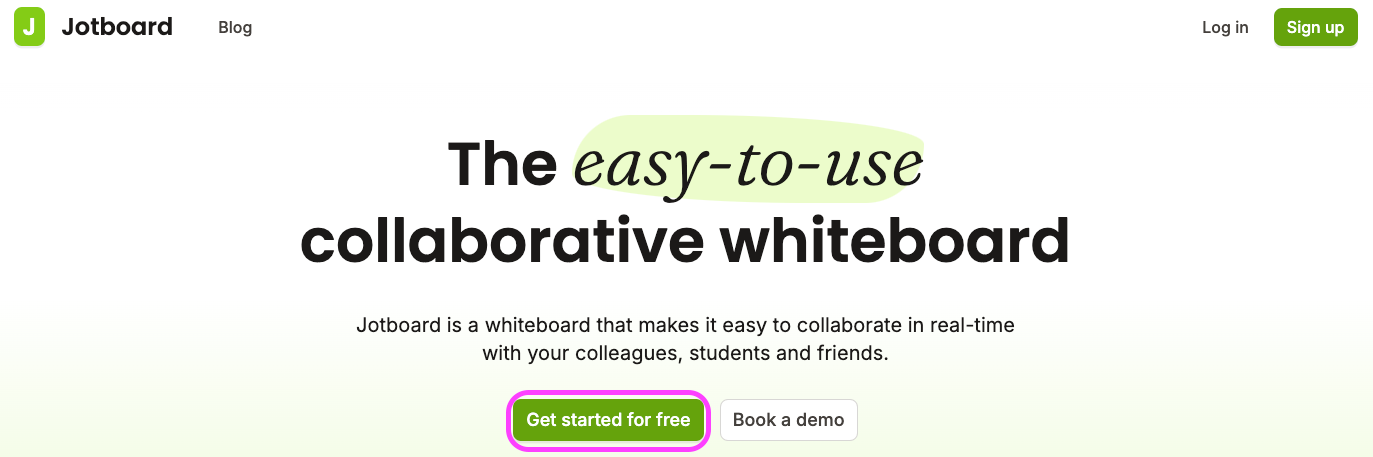
Go to jotboard.co.
Sign up for a free account, or sign in if you already have one.
2. Create a board for your lesson
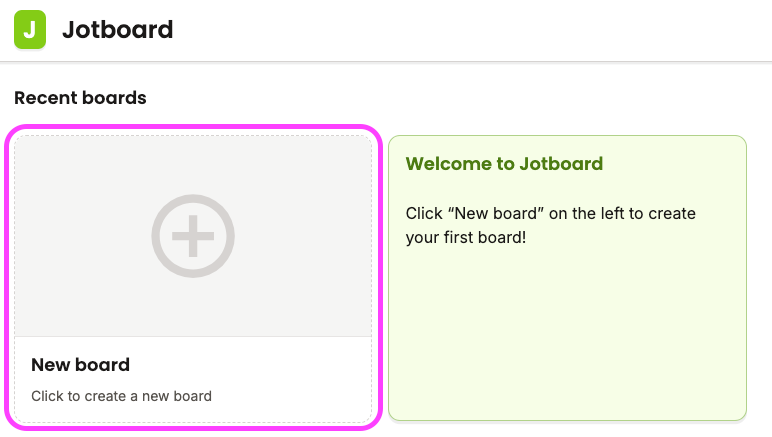
Click New board to create a fresh whiteboard.
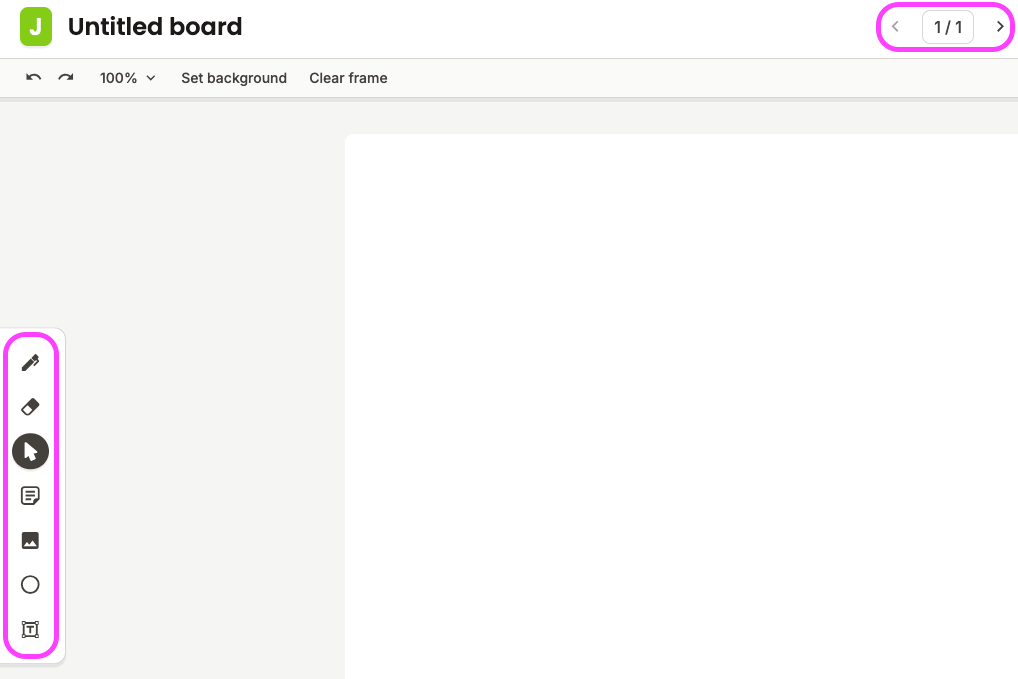
Use the toolbar to write, draw, insert images, and create shapes or text boxes.
Add pages using the right arrow at the top center next to "1/1". Navigate with the < and > arrows.

3. Share with your student
Share your screen in the Backup Call — student sees but cannot write.
Share a collaborative link — student opens the board on their device and can draw along:
Click Share in the top right corner.
Select Editor from the access dropdown.
Click Copy link and paste it into the Backup Call chat.
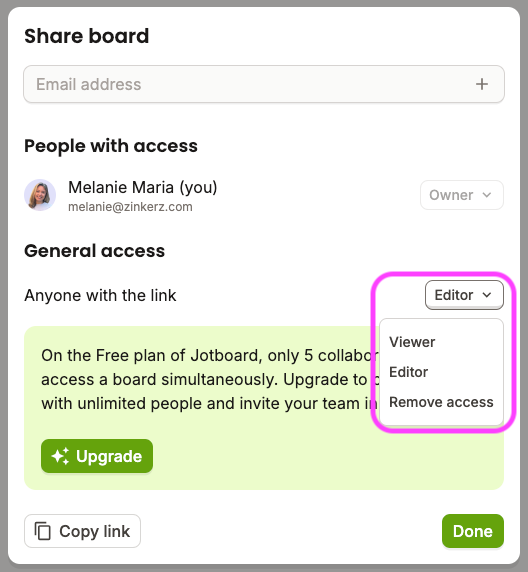
The free plan supports up to 5 simultaneous collaborators — sufficient for all standard Zinkerz sessions.