
Joining your first class
At the start of every class, follow this procedure to ensure you are ready and reachable — and to handle the situation correctly if a student does not show up.
1. At the start of class time
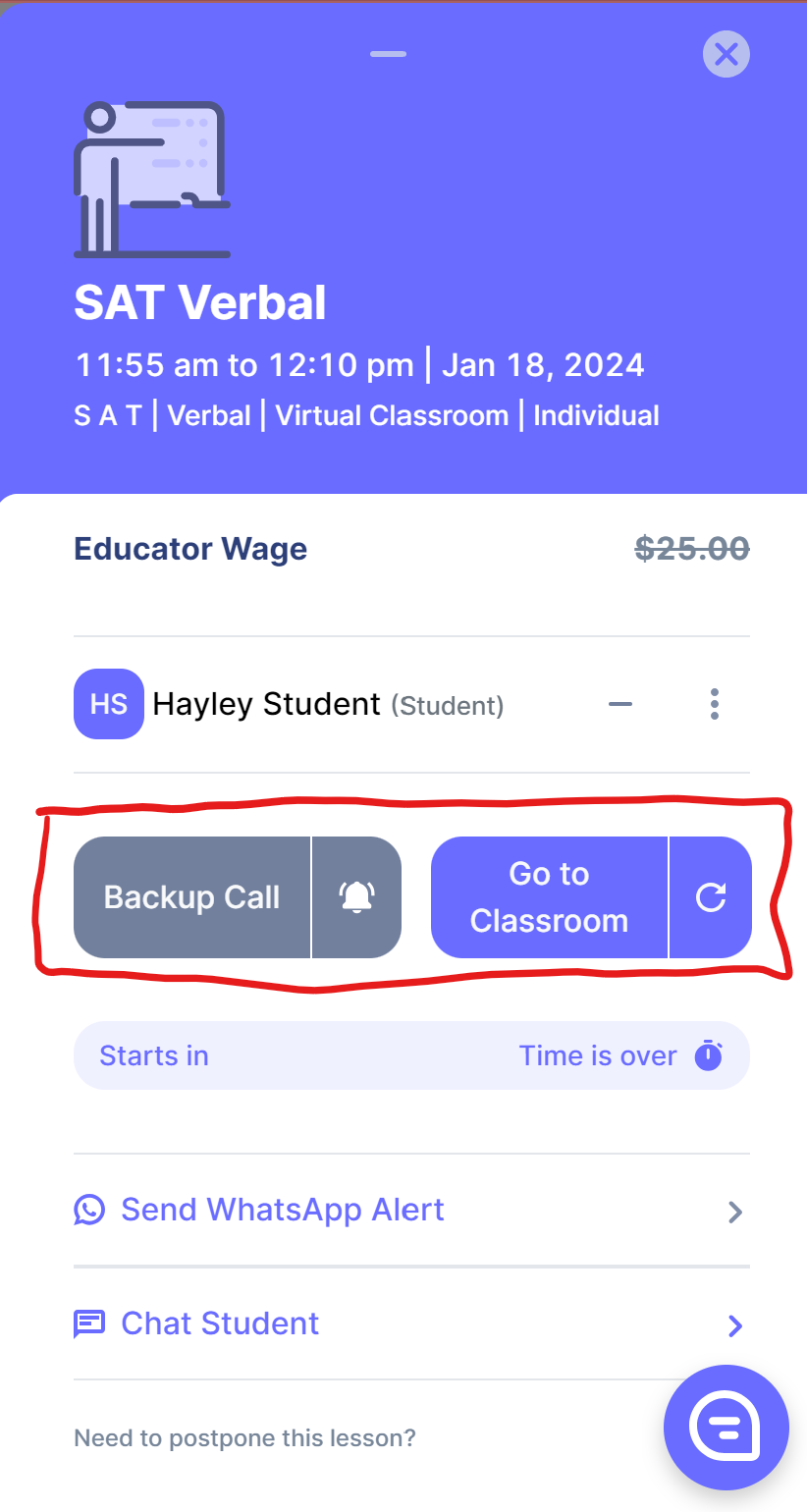
Have both the Backup Call (Google Meet) and the Virtual Classroom open on your computer before the lesson start time. This ensures you are present whichever option the student connects to. Once the student joins one call, you can close the other.
2. If the student has not joined after 5 minutes
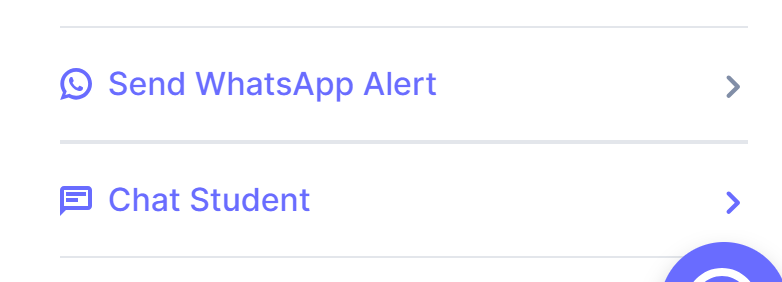
Send the WhatsApp Alert — click Send WhatsApp Alert from the lesson popup. This goes through our Support line directly to the student. We will update you if they respond.
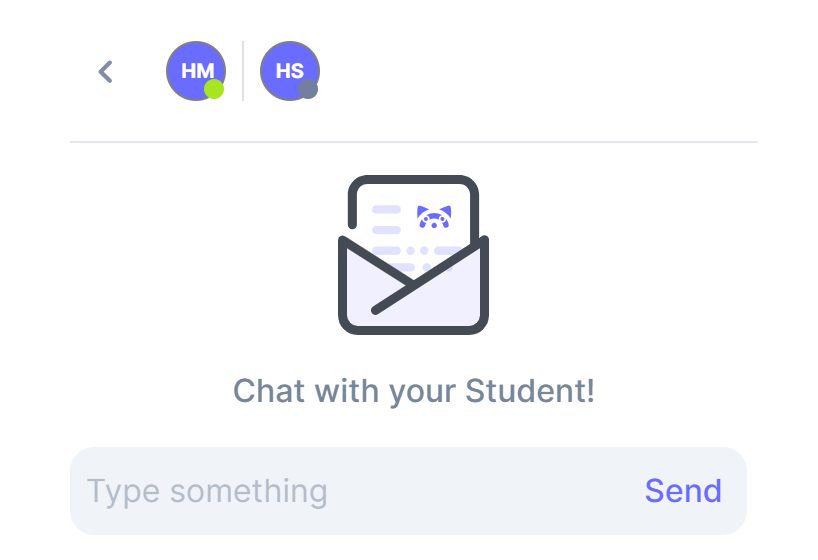
Chat the student — click Chat Student. If their icon is green (active on the platform), message them to check if they are having trouble connecting.
Wait out the full class time — keep both classrooms open. You will be paid the full lesson amount regardless of whether the student joins.
After waiting: Submit your lesson notes marking the student as absent. See Lesson note submission for the no-show procedure.