
Accessing a student's spreadsheet
Edited
Every student has a spreadsheet that tracks their progress, homework, and performance. Access it before each class so you are ready to update it during or after the lesson.
How to access the spreadsheet
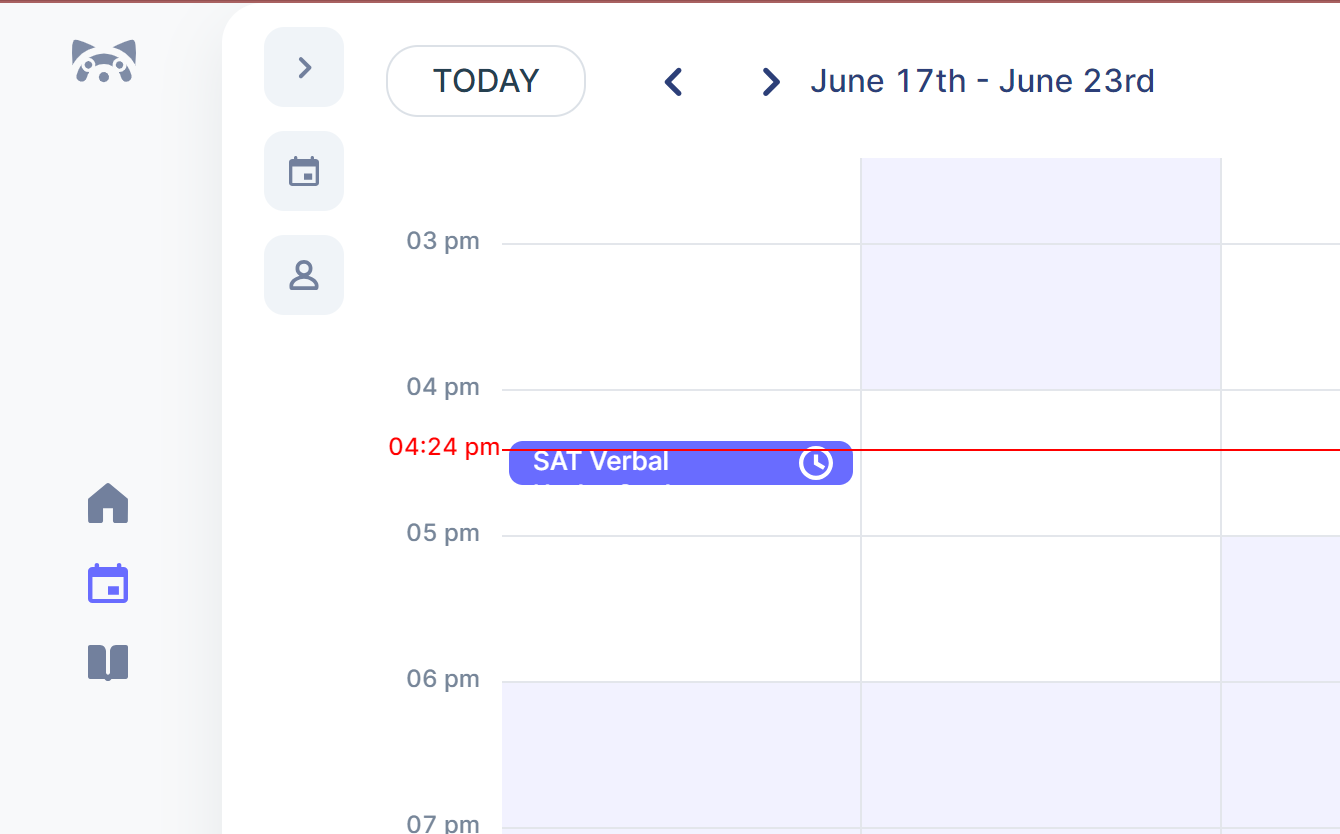
Go to your LivePrep Calendar and click on the student's upcoming class.
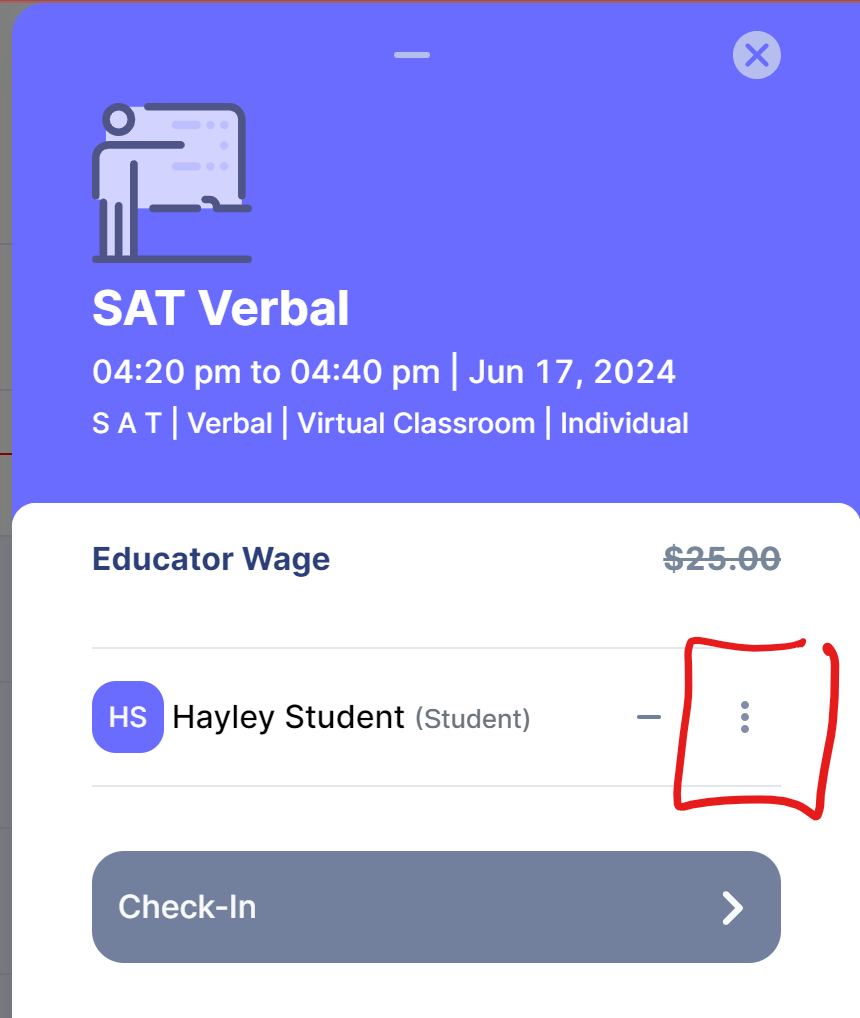
In the lesson popup, click the three dots icon to the right of the student's name.
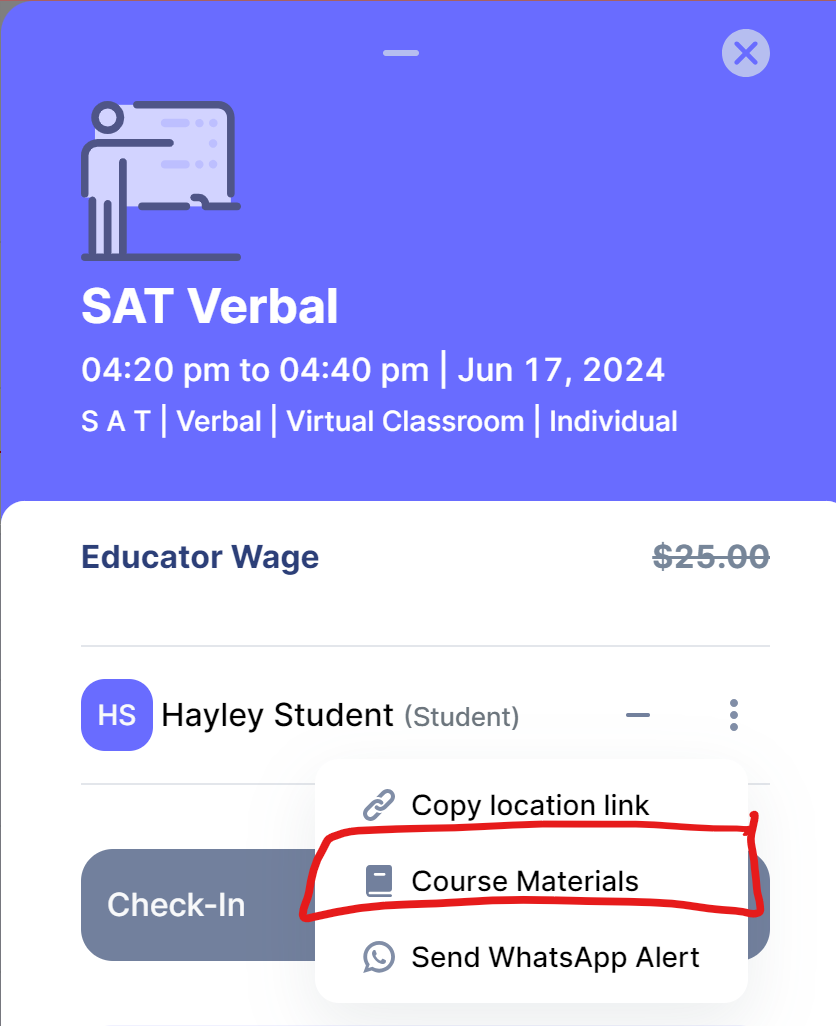
Select Course Materials from the menu. The spreadsheet will open in a new tab.
Note: If a student is just starting classes, their spreadsheet may not be linked immediately. It will be available by the day of your first class with them.